What’s new in Lumion 3.0?
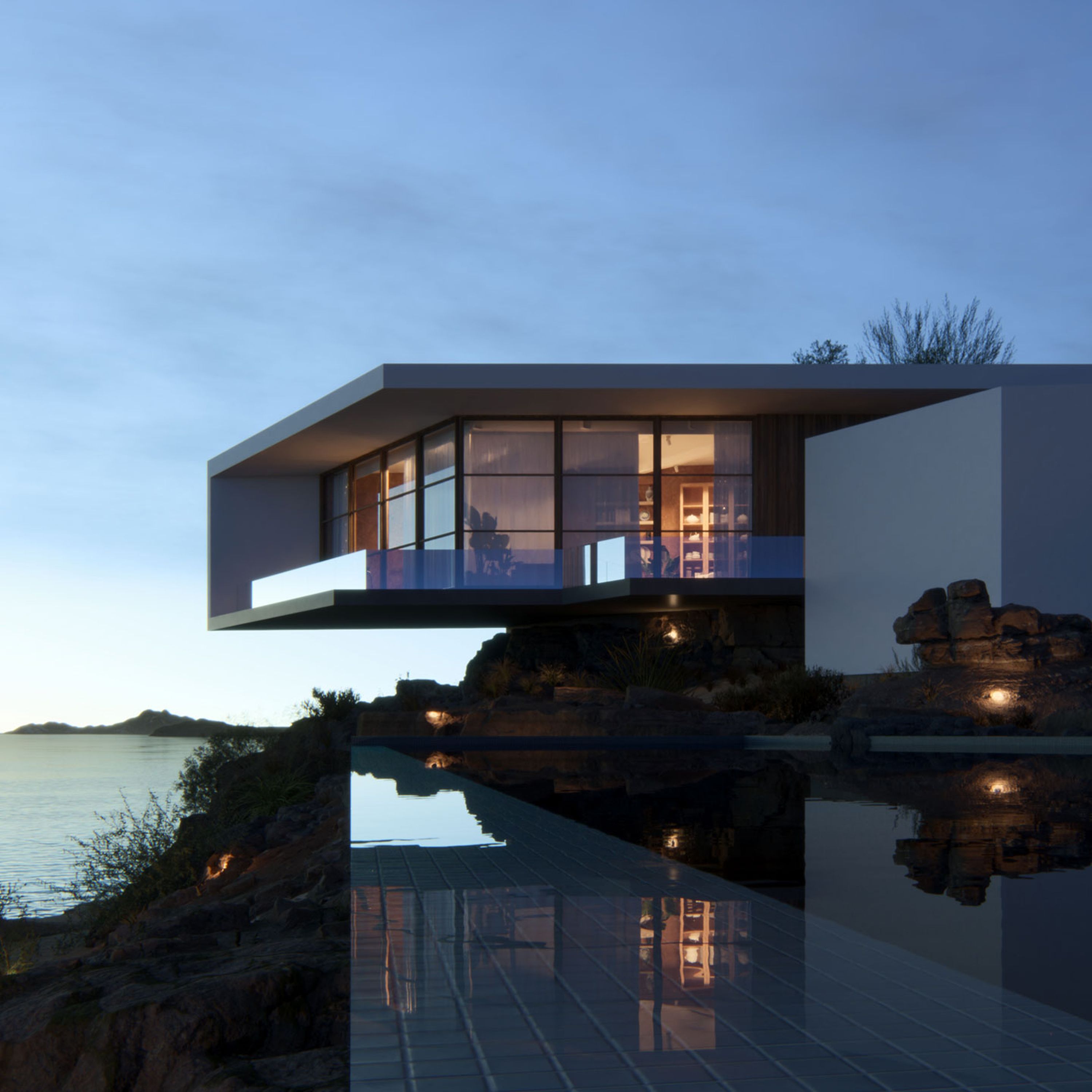
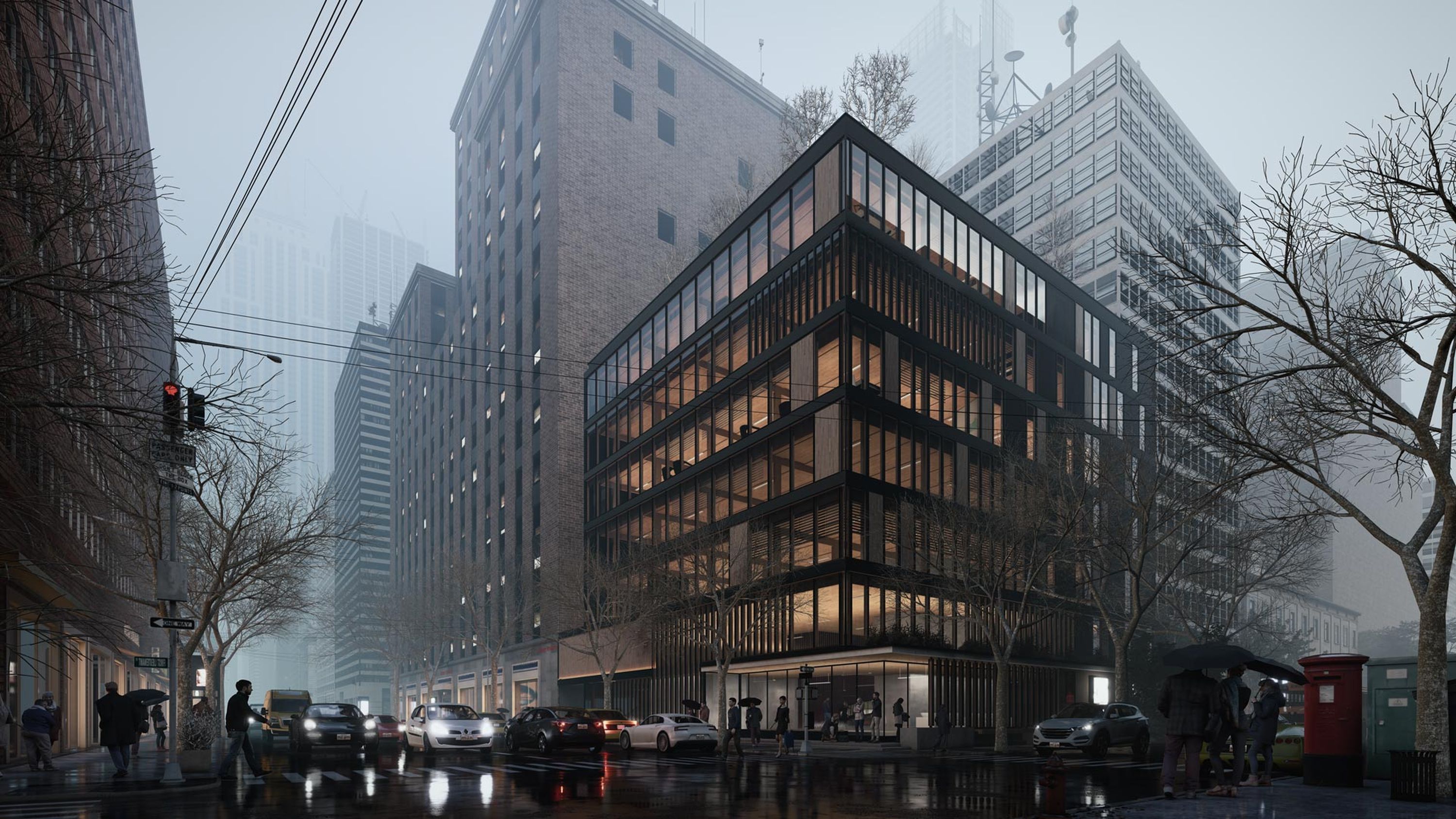
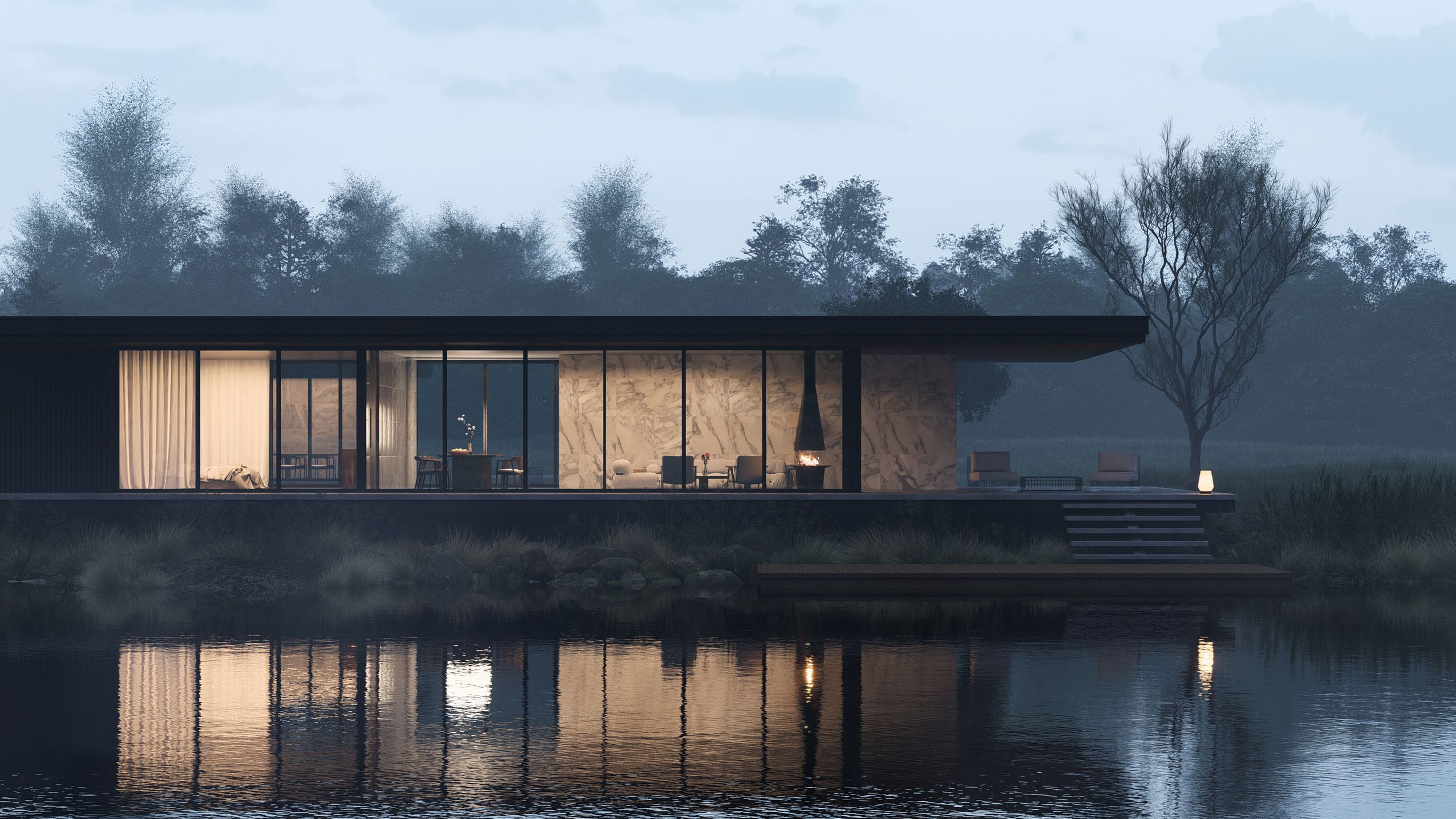
Effortlessly create accurate reflecting surfaces. This feature is very useful for glossy floors, mirrors and many other reflecting surfaces. Better reflections can be enabled by defining planes in the scene. All surfaces in one of the defined planes are automatically enhanced to display accurate reflections.
|
|
|
Global illumination
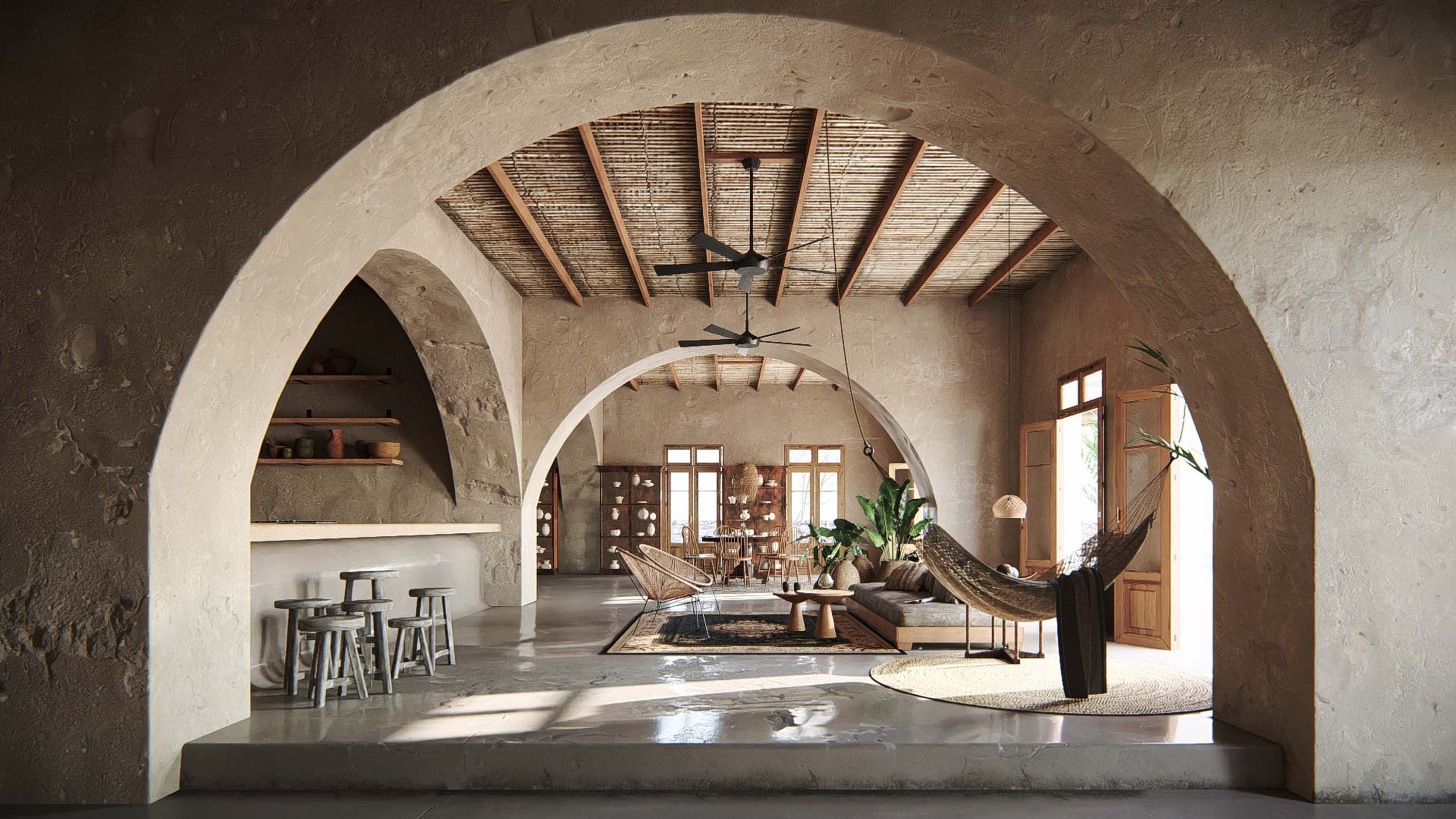
This feature simulates light bouncing off surfaces. When light strikes a surface a part of the light bounces back and illuminates anything around it. This sophisticated extension of the lighting model is an easy method to enhance image output. By enabling global illumination images look warmer and more natural. The additional subtle color tones enhance the overall look of images and movies.
|
|
|
3D Sound
Add 3D environmental sound sources to your scene to enhance the overall experience. Sure you could add sounds in an external editor but 3D sound have the advantage that they adapt volume, pitch and direction according to the position of the camera. A rich sound library makes it even easier by providing all environmental sound recordings you need to create the perfect soundstage.
|
|
|
Amazing skies
Lumion already had one of the most sophisticated sky rendering systems in the industry. Now this technology has been enhanced to reach unprecedented levels of beauty and realism. Many visualizations use simple images but with Lumion 3.0 you can create your own customized sky. You can define the lighting, density and shape of the clouds for example. Lumion clouds move with the wind react to sunlight as the environment changes. Also new is a 3D cloud layer option. With this option clouds can sit right between mountains and they even cast shadows on the world below.
|
|
|
Extended content library
Most noteworthy is the addition of many high quality plant and tree models. The new models look realistic and are more beautiful than ever. Also new are several new character models. There are people in bathing suits now, reading a newspaper and many other models wide variety of poses. The rest of the library has also been extended with new buildings, planes, garden fences, furniture and many other objects.
|
|
|
|
|
|
Video Textures
Lumion 3.0 allows you to use a MP4 file as a texture. This creates a whole range of new posibilities such as animated advertisement signs and working TV sets.
Editor enhancements
There are countless improvements throughout Lumion. One mayor change is that you can now build your scene while all movie effects are still in place. This is very useful when you want to place trees or edit materials in the exact same setting of your movie. A new hot key system subtly shows al the hot keys you can use so you do not have to look for advanced features. For example when you move an object it is now easy to see you can press G to snap objects to the terrain. Many complicated dialogs are now replaced with simplified versions which still offer the same functionality but in a user friendly way.
![]() |
![]() |
![]() |
![]() |
![]() |
Final notes
What is included in the PRO or normal version will be announced later. Lumion 3.0 is available for preorder now and will be available for download later this month. Please note that any specifications on this website are subject to change without notice. This is a preview and everything on this website might not reflect the final product.
Improved lighting in Lumion 3.0 (Video)
The new function bounces light of surfaces. This causes an effect called “color bleeding”.
The scene includes lighting from the sun and over 20 spotlights. Normally Lumion renders a frame of this movie in 11 seconds. With the new lighting enabled rendering took only 12 seconds to complete! That’s a small price to pay for big jump in quality. With shadow cache enable for the spotlights one frame takes around 8.5 seconds. A movie like the one below is rendered in only 3.5 hours.
Check out the movie and see for yourself!
Making life easier with Lumion 3.0
Sometimes people do not use parts of a software package simply because they do not know all ins and outs. We wanted to make things easier to use and easier to find without sacrificing functionality. Today we show three examples how we make it easier to access all features in Lumion 3.0.
Act-3D redesigned the weather settings so it now only contains the most essential settings. You can change the position of the sun, you can alter overall brightness, type of clouds and amount of clouds. All detailed settings are now unified in ‘plug-ins’ you can add to your movie or picture. The new photo mode now also allows you to apply plug-ins just like movie mode. This makes it easy to create variations of different settings and it is even possible to copy settings between the two modes. By taking this approach Lumion becomes easier to use. Build mode is now optimized for building your while using default settings for most things. Photo and movie mode on the other hand allow you to tweak and configure everything in detail.

The new options menu is almost the same as the old one aside from some new settings. Also notice that there is no deactivation of your license required anymore. Your license is floating in 3.0 which means you can work on your computer at home or in the office on a single license without having to deactivate or activate.

The movie export menu was relatively complex. We simplified it by introducing auto settings and better structured options. It is a perfect example how Lumion 3.0 allows you to do more while reducing complexity.
Another great addition to Lumion is better use of keyboard shortcuts. Lumion alread had an whole bunch of handy keyboard shortcuts but they were almost impossible to discover. In Lumion 3.0 we decided to display all possible shortcuts on screen so you easily see the extra available options. For example while moving an object there is a key which alligns the object with the underlying surface.
New character models
- The new models have much more detail than the models in Lumion 2.5. They have normal maps for increased detail and eyes are moving and blinking.
- Lumion 3.0 includes people from more different places around the world. People have different skin coolor and different appearances. Lumion 3.0 includes a broader variety of people.
- New poses are added for people lying down or sitting on chairs. Some of the models are even busy with their phone, reading a newspaper or riding a skateboard.
Please note that these are rendering tests and Act-3D will do more work before the final release of Lumion 3.0. The movie already gives you a good impression of what to expect. Lumion 3.0 includes more models than this movie shows! Do not forget to check the images below.
Better snow
Effect picker
Lumion is powerful but easy software you can just pick up an get results with. For Lumion 3.0 we wanted to put even more emphasis on usability.
One example of this is the way you can select movie effects. In Lumion 2.5 you have to select effects by name. This makes it really hard to remember where your favorite effects are. In Lumion 3.0 we improve this on three fronts.
- We made sure there is a maximum of only 9 effect in screen at any point in time. With only 9 effects to chose from you can easily spot the effect you need.
- We made the screen bigger and have big preview shots to give a clear impression of what the effect will looks like.
- simple monochromatic icons were added so you can easily find effects even when their previews look similar.
Do you want to know how Act-3D makes sure you can use Lumion 3.0 without a manual? Curious about the redesigned environment settings? Can’t wait to see the new “Photo mode” and export options?
Act-3D will let you know everything on this blog. See you next time!
Better horizon and water
Lumion 2.5 uses textures for wave patterns on water. The disadvantage of this method are artificial repetition patterns when at a distance. For Lumion 3.0 we decided to get rid of this effect by replacing textures with carefully selected mathematical functions.
Lumion 3.0 clouds
Lumion 3.0 sky system
Lumion was already known for it’s excellent skies but with Lumion 3.0 we wanted to make sure the software remains the best in the industry in this area.
Take a look for yourself to see the amazing realism and detail. This is just a small preview of things to come.
The new Lumion will even be able to cast cloud shadows. For the first time you will be able to fly in between clouds and see them wrap around mountains. More on that subject later!
Lumion 3.0 upgrade prices revealed
Check this page for upgrade information and pricing.